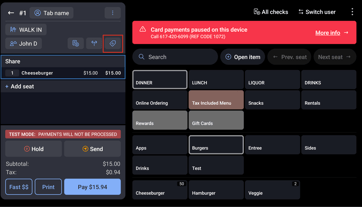
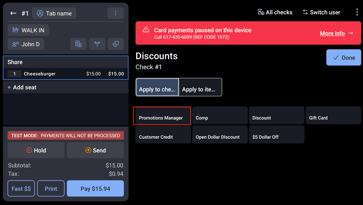
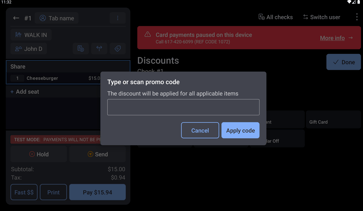
How do I add the discount button in Toast? On the POS, after you add the items to the check, you click on the discount button in the red box: Then you'll see the Promotions API button in the red box: When you click on that, the window will pop up to enter the Promo Code
![Fishbowl • Lockup • Full-Color • On-White@2x-2.png]](https://docs.fishbowl.com/hs-fs/hubfs/Fishbowl%20%E2%80%A2%20Lockup%20%E2%80%A2%20Full-Color%20%E2%80%A2%20On-White@2x-2.png?height=40&name=Fishbowl%20%E2%80%A2%20Lockup%20%E2%80%A2%20Full-Color%20%E2%80%A2%20On-White@2x-2.png)